> For the complete documentation index, see [llms.txt](https://help.tokenpocket.pro/en/llms.txt). Markdown versions of documentation pages are available by appending `.md` to page URLs; this page is available as [Markdown](https://help.tokenpocket.pro/en/wallet-operation/how-to-create-a-wallet/sui.md).
# How to Create and Import Sui Wallet? Step-by-Step Guide
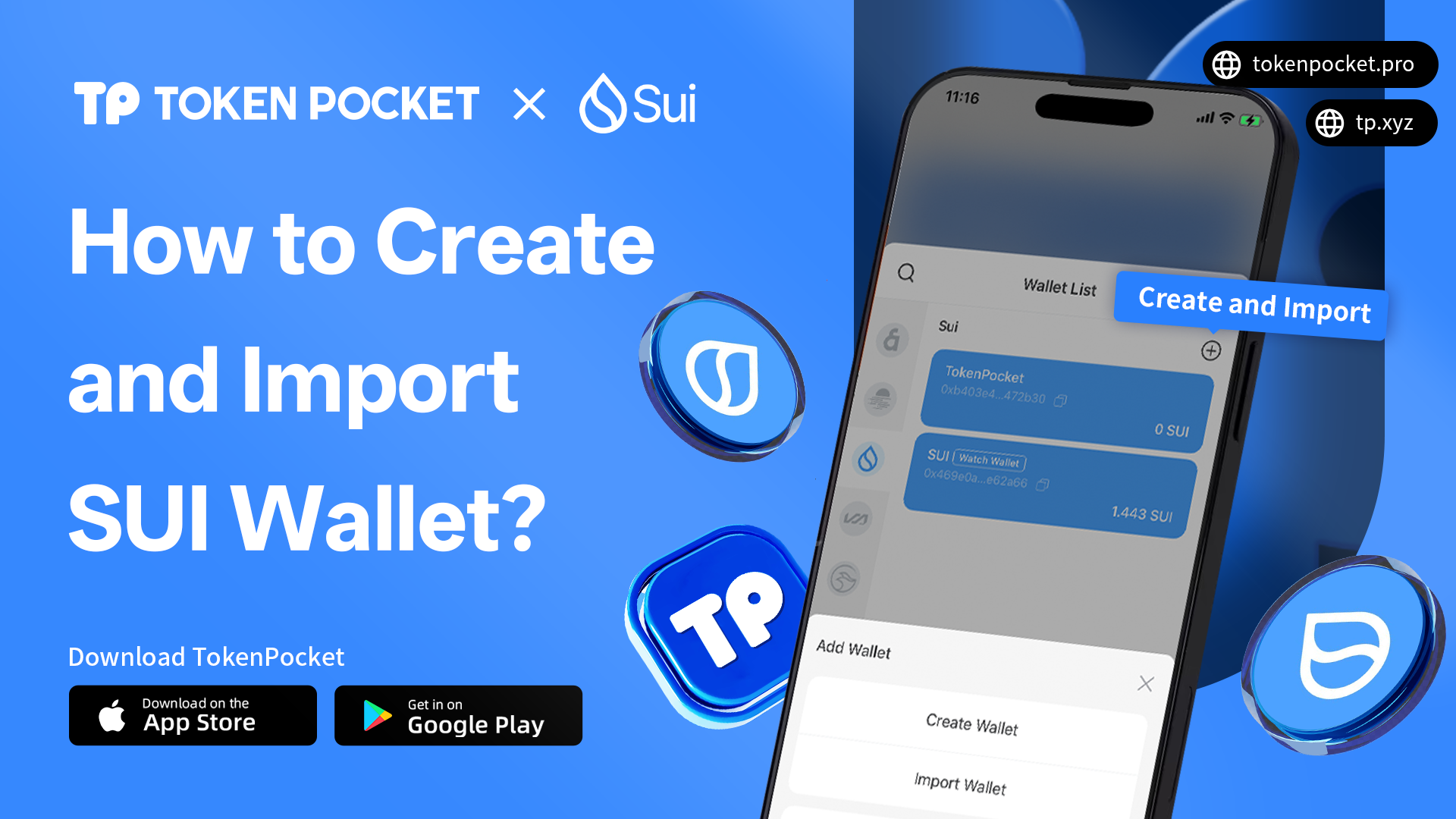
This guide explains how to create and import a Sui wallet on TokenPocket. It covers steps like setting up the wallet name, password, and backing up mnemonic to ensure your Sui wallet's security.
## **How to Create and Import Sui wallet?**
Whether you're a complete newcomer to the blockchain space or an explorer ready to dive into the Sui ecosystem, this guide offers clear, easy-to-understand instructions. It will teach you how to securely create a brand-new wallet and how to use your mnemonic phrase to access existing assets on [TokenPocket](https://www.tokenpocket.pro/). Most importantly, while making the process simple, it repeatedly emphasizes the golden rule: protecting your private keys is the only way to safeguard your digital wealth.
{% hint style="warning" %}
Before you step into the Sui ecosystem, we strongly recommend taking some time to familiarize yourself with the existing [Common Fraud Cases](https://help.tokenpocket.pro/en/security-knowledge/common-fraud-cases).
{% endhint %}
***
### **Part 1: How to Create Sui Wallet?**
{% stepper %}
{% step %}
#### **Download and Open your TokenPocket**
Download and open [TokenPocket](https://www.tokenpocket.pro/) APP, click wallet icon which on the upper right corner, and select Sui
{% endstep %}
{% step %}
#### Click 「Create Wallet」
Click \[Create Wallet] and click \[Create Wallet] again;
{% endstep %}
{% step %}
#### Set wallet Information
Set the wallet name and password, click the User Agreement, and click \[Create Wallet]. Watch and learn the video content, click \[I got it].
{% endstep %}
{% step %}
#### Back up Mnemonic
Select the security tips, and click \[Next Step]. Back up the mnemonic on the paper, and store it in a safe place. Click \[Completed backup, verify now] .
{% hint style="danger" %}
**Attention:** Do not disclose the private key or secret recovery phrase to the third party!
{% endhint %}
{% endstep %}
{% step %}
#### Finish Creating Sui Wallet
Enter your secret recovery phrase, and click \[Confirm]**.** At this point, you have successfully created a Sui wallet.
{% endstep %}
{% endstepper %}
***
Now you know how to create a sui wallet, next part we will introduce how to import a Sui wallet.
### **Part 2: How to import a Sui wallet?**
{% stepper %}
{% step %}
#### Download and Open TokenPocket
Download and open [TokenPocket](https://www.tokenpocket.pro/) APP, click wallet icon on the upper right corner, and select Sui
{% endstep %}
{% step %}
#### Choose Walllet Import Method
Click \[Import Wallet], and select the way you want to import your wallet.
{% endstep %}
{% step %}
#### Finish Sui Wallet Importation
Take \[Recovery Phrase import] as an example, enter your secret recovery phrase, wallet name, and password, click the User Agreement, and click \[Import Wallet]. At this point, you have successfully imported a Sui wallet.
{% hint style="warning" %}
Note: If you have previously configured [Passphrase](https://help.tokenpocket.pro/en/security-knowledge/security-measure/passphrase), you must also enter your Passphrase to successfully import the wallet.
{% endhint %}
{% endstep %}
{% endstepper %}
***
### FAQs about Sui Wallet
#### 1.What Network Is SUI On?
SUI is the native cryptocurrency of the Sui blockchain.
The [Sui network](https://sui.io/) is a high-performance Layer 1 (L1) blockchain. This means it is its own independent network, not a token built on another chain like Ethereum or BNB Chain. To manage SUI, you need a wallet that supports the Sui network, such as TokenPocket.
#### 2.Which Wallet Supports Sui?
A leading and secure option for the Sui blockchain is [TokenPocket](https://www.tokenpocket.pro/). As a multi-chain wallet, it offers seamless support for the Sui network, allowing you to easily manage your SUI token and other assets.
> **Recommend:** [How to batch transfer Sui tokens?](https://help.tokenpocket.pro/en/wallet-operation/tp-tools/nostr-assets)
#### 3.How Do I Get a Sui Wallet Address?
You can get a Sui wallet address in minutes using TokenPocket. Simply download the app, select the Sui network, and follow the steps to create a new wallet. After setting a password and securely backing up your recovery phrase, your unique Sui wallet address will be ready to use.
***
### Conclusion
This guide has shown you just how easy and secure it is to create or import your Sui wallet on [TokenPocket](https://www.tokenpocket.pro/). With your wallet now set up, and your secret recovery phrase safely backed up, you're ready to start exploring the vibrant Sui ecosystem.
{% hint style="info" %}
#### Disclaimer
Cryptocurrency investment and usage involve market, legal, and technical risks. Please exercise caution. Always keep your seed phrases and private keys secure and never disclose them to anyone. This article is for educational purposes only and does not constitute investment advice. Before using wallets, conduct your own research and ensure compliance with local laws and regulations.
{% endhint %}