> For the complete documentation index, see [llms.txt](https://help.tokenpocket.pro/en/llms.txt). Markdown versions of documentation pages are available by appending `.md` to page URLs; this page is available as [Markdown](https://help.tokenpocket.pro/en/wallet-operation/how-to-trade-on-dex/base.md).
# Cross-Chain Tutorial for Base Assets
1. Open TokenPocket and select the Ethereum wallet. You can choose "Swap" in the upper right corner or click on the ETH token and select "Swap" in the lower right corner. On the exchange interface, choose ETH (Ethereum) as the source and receive ETH on the Base chain. Set the exchange amount and select the Base wallet for receiving tokens, then click "Confirm."
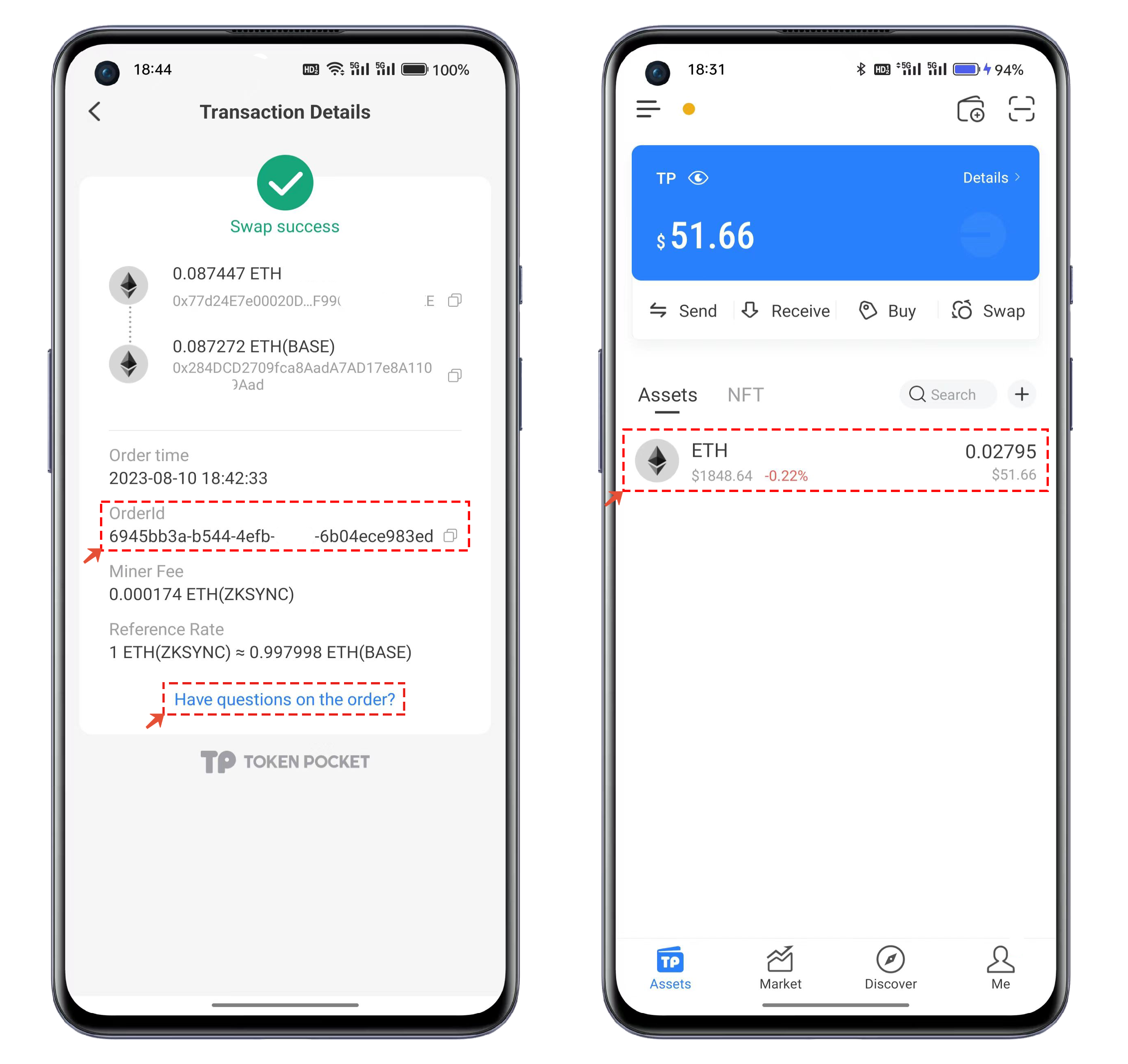
2. After completing the Swap, you will see a prompt that says "\[Swap Successful]". The Swap process usually takes about 5 minutes. If you encounter any issues, you can click to copy the "Order Number" and then click "\[Issue with Order]" below to contact the CS. Once the Swap is completed, you will be able to see the balance of ETH in your Base wallet.